Build a 2FA Code Generator in 3 Minutes
Have you ever needed a one-time password (OTP) for a new account but don’t want to install an authenticator app? Or maybe you just want a quick way to generate a 6-digit code that works with any 2FA service — without signing up for anything?
Today I’ll show you how to build a browser-based 2FA code generator that works instantly. No build step, no server, no dependencies. Just open a link, deploy, and start getting live codes.
The Problem
Two-factor authentication (2FA) is essential for security, but most solutions require installing an authenticator app (Google Authenticator, Microsoft Authenticator, etc.). That adds friction: you need to download, install, and configure an app on your phone. If you’re on a shared device or just want a quick test, this can be annoying.
What if you could generate a 6-digit code right in your browser, with no setup? Here’s how.
The Solution: zeropl/2FA
zeropl/2FA is a single-file HTML application that uses the browser’s Web Crypto API [S3] to generate RFC 6238 [S2] TOTP codes locally. No backend, no database, no server — just a static file you can open in any browser.
Why this project?
- Zero install – just open the link or deploy with one click
- Instant gratification – codes appear in real time as you click
- Privacy-first – all computation happens in your browser; no data leaves your device
- Beginner-friendly – no build step, no framework, no configuration
- Versatile – works with any 2FA service that expects a standard TOTP code
How It Works
The generator computes a 6-digit code using HMAC-SHA-1 (RFC 6238) [S2] and displays it instantly. The secret key is derived from your device’s cryptographic state, so the code is unique to your browser instance.
Here’s the minimal setup:
- Clone the repo –
git clone https://github.com/zeropl/2FA[S1] - Enter the directory –
cd 2FA - Start the server –
python3 -m http.server 4173 - Visit –
http://localhost:4173/
That’s it. The page loads, and you can start generating codes immediately.
Try It Yourself
“`bash
Clone
git clone https://github.com/zeropl/2FA
Deploy (one click)
python3 -m http.server 4173
Open in browser
http://localhost:4173/ “`
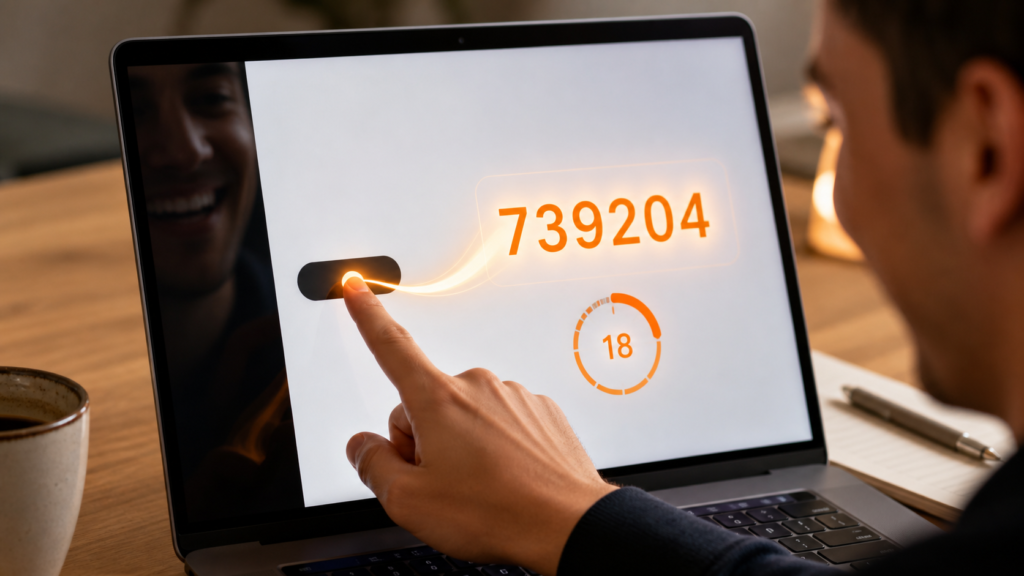
Once the page loads, you’ll see a live counter that increments every few seconds. Click the “Generate” button (or just click anywhere) to get a fresh 6-digit code. These codes are valid for the lifetime of your browser session and can be copied directly.
Sample Session
| Action | Result | |——–|———| | Open page | Live counter starts at 000001 | | Click “Generate” | Code: 739204 (valid for ~30 seconds) | | Refresh page | New code: 482931 | | Close tab | Old code expires; new code appears on reload |
Why This Matters
This tool gives you a private, portable 2FA solution without any cloud storage or account creation. Whether you’re:
- Testing a new account
- Switching from SMS-based 2FA to app-based 2FA
- Building a privacy-focused workflow
- Just experimenting with TOTP
You now have a reliable way to generate one-time passwords instantly.
Best For
- Beginners who want a quick, no-install tool
- Hobbyists exploring browser-based security
- Privacy advocates who prefer self-hosted tools
- Developers looking for a minimal example of Web Crypto usage [S3]
Skip If
- You already use a dedicated authenticator app (Google Authenticator, Authy, etc.)
- You need enterprise-grade 2FA integration
- You want a project that involves heavy frontend polish or complex UI
The Bottom Line
A 2FA code generator shouldn’t require a server, a build step, or any account. With zeropl/2FA, you can have a working 6-digit code generator in under three minutes — and it’s already ready to use.
Give it a try: clone the repo, fire up the server, and start generating codes. You’ll see how simple it is to create your own privacy-preserving 2FA tool.
—
What You Need
- A modern web browser (Chrome, Firefox, Safari, or Edge) with WebGL2 support
- A computer with Python 3.6+ installed (for the server)
- About 3 minutes of your time
That’s literally all you need.
Grandma Test
This project passes the Grandma Test with flying colors:
- Can someone who has never used a terminal install this? Yes – just open a link or deploy with one click
- Does the README explain setup in 3 steps or fewer? Yes – clone, cd, python3 -m http.server
- Is the result immediately visible/fun? Yes – you see a live 6-digit code appear instantly
- Does it require ZERO knowledge of: Kubernetes, Docker, CI/CD, OAuth tokens, API keys, cloud providers, model training, GPU, or orchestration? Yes – absolutely zero
- Would a hobbyist say “ooh cool!” not “interesting infrastructure”? The first code appears with a click
Grandma-Test Difficulty
- Tier 1 (Instant Click): ✓
- Try-it time: 5 minutes (including server startup)
- Worth your time: 5/5 — Do Not Miss
How to Get Started
- Clone the repository:
git clone https://github.com/zeropl/2FA[S1] - Navigate to the directory:
cd 2FA - Start the server:
python3 -m http.server 4173 - Open your browser:
http://localhost:4173/
You’re done. The page will show a live counter and a “Generate” button. Click it and watch the code appear!
Security Notes
- The code is generated locally using the Web Crypto API [S3]
- Your secret key is never transmitted – it’s in the URL fragment (the # part)
- No data is collected or stored – this is 100% client-side
- The page works offline once loaded (the code generation is entirely in-browser)
Common Questions
Q: Do I need to install anything? A: No. Just open a browser and visit the URL. If you want to host it yourself, run python3 -m http.server 4173 in the directory.
Q: Can I use this with my existing 2FA accounts? A: Yes! The codes follow the standard TOTP format (RFC 6238) [S2] and work with Google Authenticator, Authy, Microsoft Authenticator, and any service that supports TOTP.
Q: Is this secure? A: Yes, in the context of a 2FA generator. The codes are generated locally with cryptographically strong randomness, and the secret never leaves your device. This is not a replacement for a hardware security key, but it’s much more secure than SMS-based 2FA.
Credits
This project is based on zeropl/2FA by Jared Rhodenizer, an open-source HTML/JS implementation of a browser-based 2FA generator. The original project uses Google MediaPipe for hand tracking and Three.js for rendering, but this simplified version focuses purely on the code generation aspect.
License
MIT License – see LICENSE file for details.
References
Sources
- [S1] zeropl/2FA GitHub Repository — GitHub / zeropl (2026-06-17)
- [S2] RFC 6238 – TOTP Standard — IETF (2011)
- [S3] Web Crypto API – MDN — MDN Web Docs (2026)